
7-Day Free Preview — No Credit Card Required
Follow us
AI UnSpun
For parents, grandparents, and anyone with a young person in their life

They’re ahead of you on the buttons. You’re ahead of them on everything else.

A twelve-year-old can get an answer out of ChatGPT. What they cannot do yet is tell whether the answer is any good. That part is judgment, and judgment is the thing you have been building for decades.

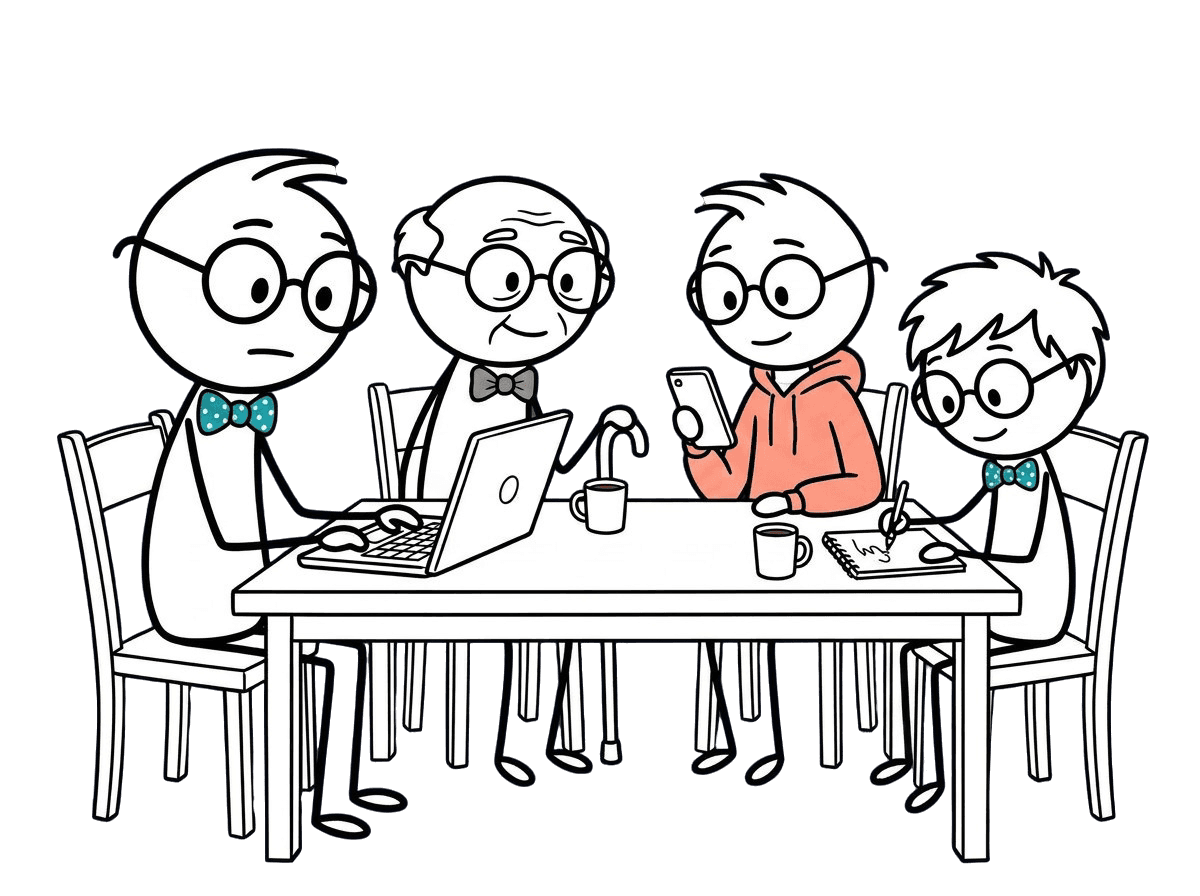
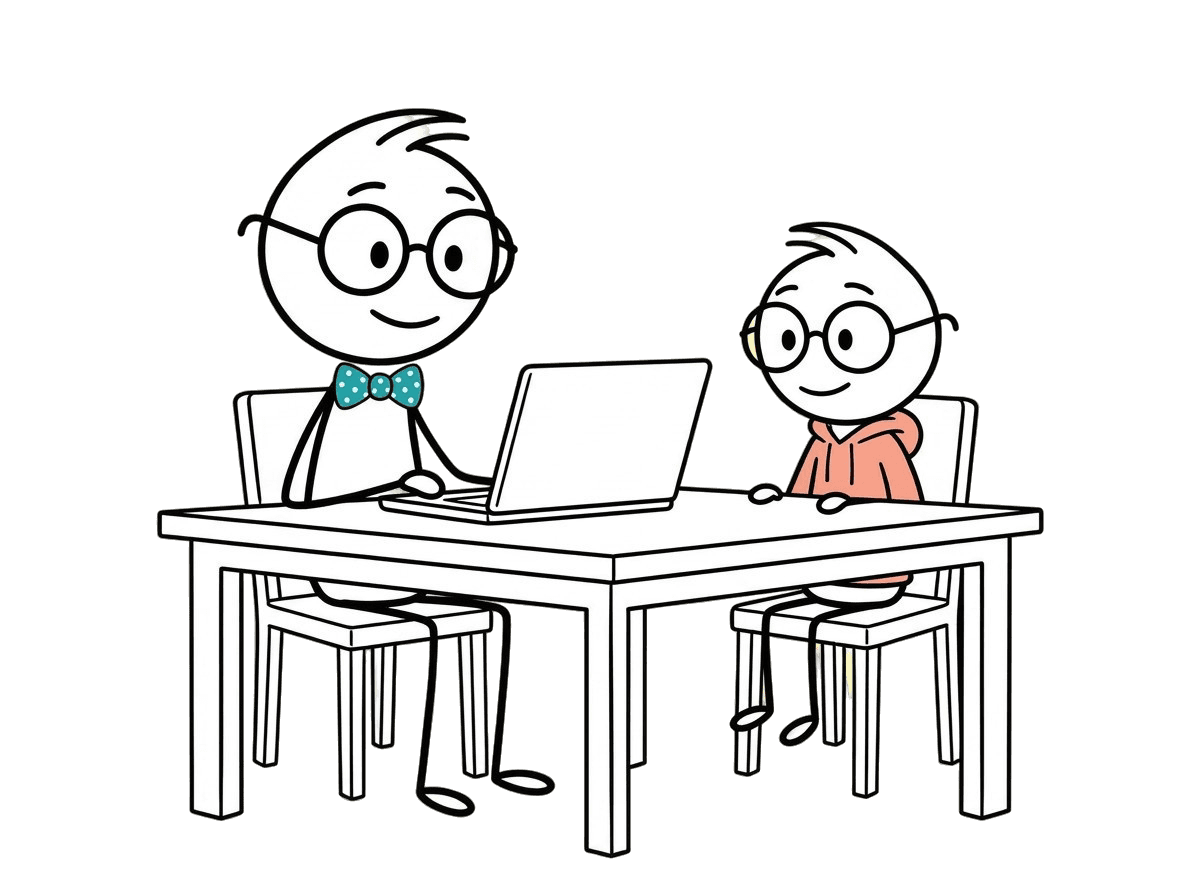
Kevin at the kitchen table with a family, looking at a laptop together
Tell us who you’re with
Their age, and how long you have tonight.
We pick the activity
The steps and the exact words to type.
You ask the one question
Did it actually know that, or did it make it up?

Which one is for you?

Three ways in, depending on who is at the table.

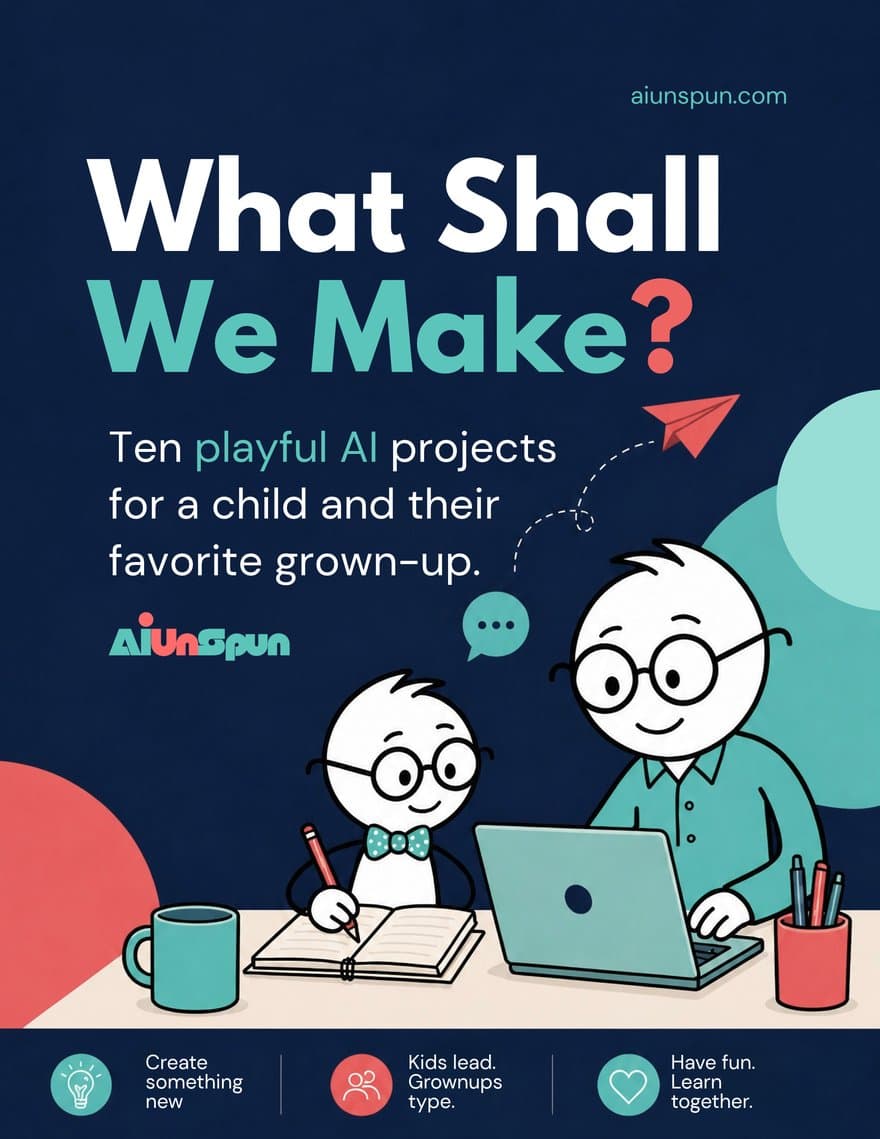
What Shall We Make? cover
Ages 6 to 12

You at the keyboard

Ten sessions you run together. The child chooses, the child decides what is good, and you do the typing. Nothing is handed to a machine that should stay in the family.

See What Shall We Make?
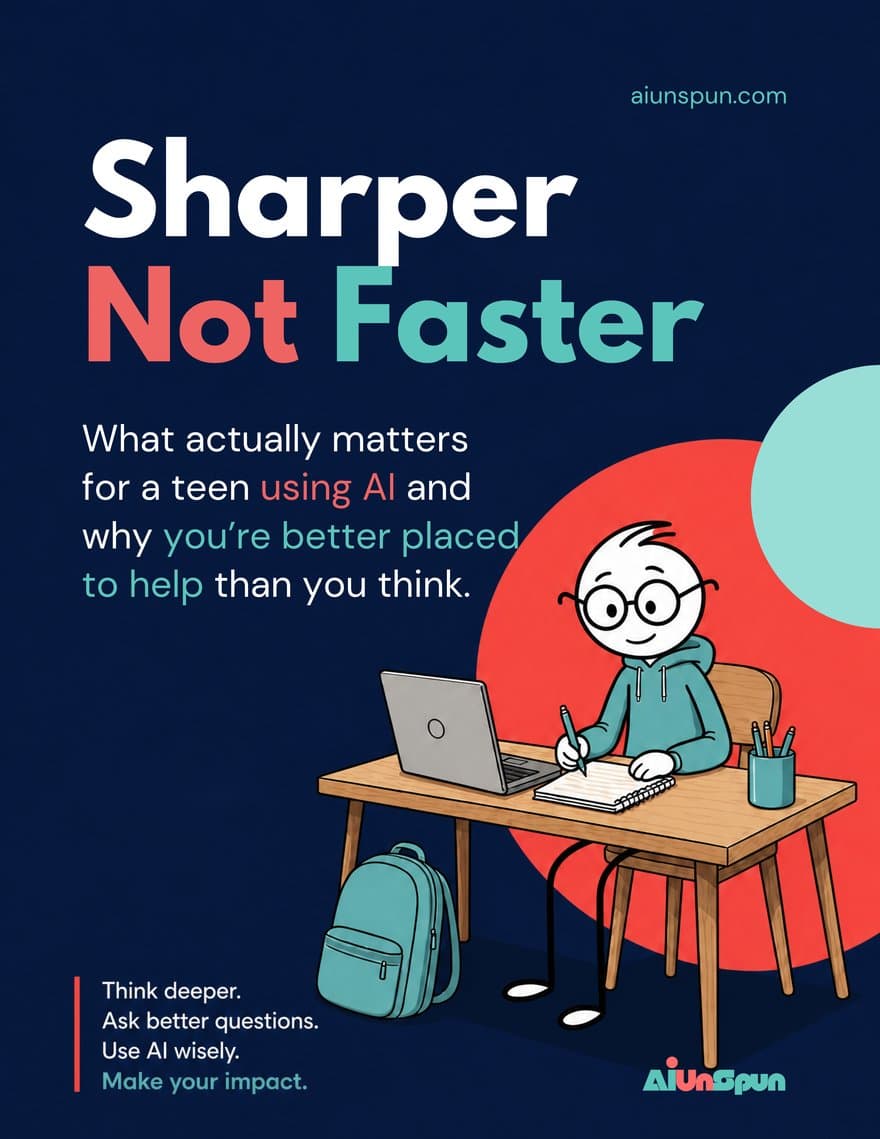
Sharper, Not Faster cover
Ages 13 and up

They drive

A workbook for a teenager who already uses AI and a grown-up who wants to understand what they are doing. It teaches the one habit that matters: check it before you trust it.

See Sharper, Not Faster
A good place to start
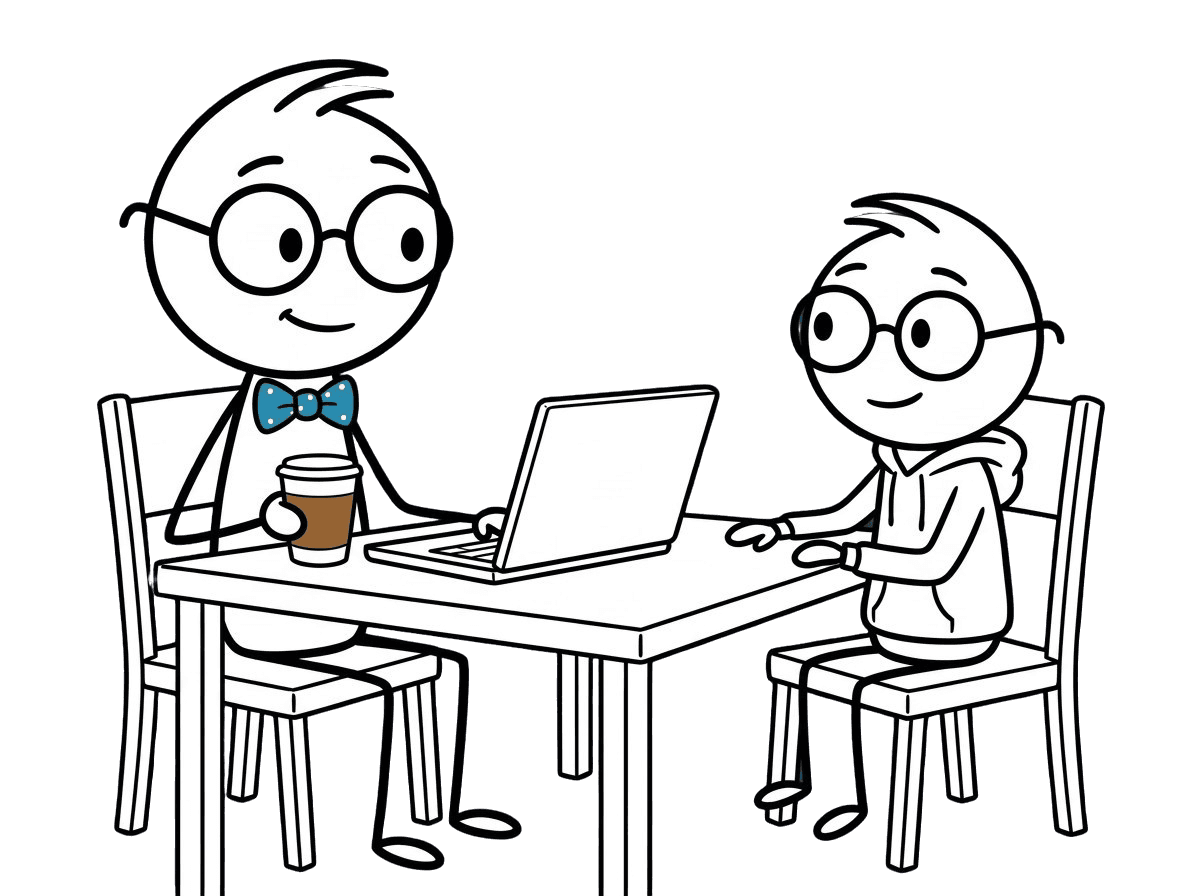
Kevin and a child at a table with a laptop
Every month

Something new to do together

AI Together is inside the membership. One tap, one activity for the age in front of you, done in the time you have. A new set arrives every month as the tools change.

$7 / month · 7 days free

Try it free
Why it starts with you

You do not need to be the AI expert in the house.

You need to be the person who asks the good question afterward. That is a role the tools cannot fill, the schools have not filled, and most kids have never been offered.

01

Understand it yourself first

Prompt School, Meet the AI and the Cheat Sheet explain what these tools actually do, in plain English, so you are not nodding along.

02

Bring something to do

AI Together hands you an activity for tonight: the steps, the exact words to type, and two questions to ask when it is done. You bring the activity. They bring the enthusiasm.

03

Teach the check, not the click

Every activity ends the same way: did it actually know that, or did it just make it up? Ask that often enough and it becomes a habit they carry into school, and later, into work.

04

Keep the private things private

Under 13, the grown-up operates the AI. At every age, family names, addresses and health stay out of the box. We say so on every card, because nobody else will.

The kids are fine on the buttons. What they need is someone in the room who knows the difference between confident and correct.
Kevin
A sample activity

Read a whole activity before you join.

Members get a library of activities like this one, sorted by age, time and what the young person is into, with new ones added every month as the tools change.

Pick a person, pick a length, and the membership picks the activity. This one is fixed in place so you can read it. Inside, the button spins.

What the grown-up gets out of it

You just practiced the most useful AI skill there is: adding context and constraints.

Kevin
Kevin says
Under 13, the grown-up does the typing. At any age, names, addresses and health stay out of the box. It says so on every card.
15 minGrown-up at the keyboard

Invent the Worst Restaurant in the World

What you’re exploring: How giving AI better constraints changes what it makes.

Do this together

  1. Step 1.

    Ask it to invent the worst restaurant in the world.

    Type this into the AI

    Invent the worst restaurant in the world. Name, menu, and why nobody goes back.
  2. Step 2.

    Pick the single most terrible thing about it. That is the thing you will protect.

  3. Step 3.

    Add one constraint each, in turns.

    Type this into the AI

    The food has to be edible.
    Teenagers have to want to go.
    Nothing over $15.
  4. Step 4.

    Ask it to rewrite the restaurant with all three.

    Type this into the AI

    Rewrite the restaurant with all three rules, and keep the most terrible thing about it.
  5. Step 5.

    Put the first answer and the last one side by side and decide which instruction changed the most.

Talk about

  • Which rule made the biggest difference?
  • Did it understand anything differently than you meant?

Tell us who you’re with and how long you have. We’ll pick something to do together.

Join and give it a spin

Why this helps you help them

Judgment over fluency

Fluency is knowing which button to press. Judgment is knowing whether to believe what comes back. Kids arrive with the first. The second is learned from someone, and it might as well be you.

The one question that matters

“Did it actually know that, or did it just make it up?” Ask it out loud, together, about a real answer. Everything else in this subject is detail.

Private stays private

A song about the dog is fine. The dog’s vet records are not. Knowing where that line is, and being able to explain it to a nine-year-old, is most of what online safety actually means now.

The school question

Most schools have not settled what counts as cheating, so the household has to. Our line is short: AI can help you understand it. The work is still yours. The Cheat Sheet has the longer version.

Three straight answers

From the Cheat Sheet inside the membership, checked on the date shown.

My teenager used AI for a school assignment. Is that cheating?

It depends what it did. The line we use is short: AI can help you understand it, the work is still yours. Explaining a concept, checking reasoning, making practice questions, that is help. Producing the sentences that got handed in is not their work anymore. The school's own policy beats ours, so read it once.

A bit more detail

Most schools now say something about this, and most of them say roughly the same thing: using AI to learn is allowed, submitting AI text as your own is not. Find the policy, read it together once, and you have settled the argument before it happens.

The useful test is whether they could explain the work out loud with the screen closed. If they can, the understanding is theirs and the AI was a tutor. If they cannot, they handed in something they do not own, and a teacher will find that out in one short conversation.

Worth saying plainly to them: the risk is not only getting caught. It is arriving at the next thing without the thing they were supposed to have built.

Your next step

Look up your school's AI policy tonight and read it with them. Then agree one sentence you both repeat: AI can help you understand it, the work is still yours.

Last checked: September 11, 2026

Which AI tools can my ten-year-old use?

None of the big ones on their own account. Under 13, the grown-up operates the AI: your account, your keyboard, the child choosing, directing and rejecting from beside you. That is not us being cautious. It is what the tools' own rules say, and it happens to be the better way to do it anyway.

A bit more detail

As of September 2026, ChatGPT is not intended for under-13s, and OpenAI's guidance for under-13 educational use is that an adult conducts the session. Gemini can reach a child under 13 only through a parent-enabled supervised Google Account, which is rolling out gradually and is not available in the EEA, Switzerland or the UK. Claude is 18 and over with no consent path at all.

So for a ten-year-old at home there is one arrangement, and it is a good one. You type. They pick the idea, judge what comes back and say what to change. You hold the account and the keyboard.

Sitting beside them is also what makes the conversation possible, and the conversation is the part that matters. You are there to ask whether the answer was any good, not to run the software.

Your next step

Open your own account, sit them next to you, and let them give the instructions while you type. If you want the current age rule for one specific tool, check its row on the AI Lineup first.

Last checked: September 11, 2026

My fourteen-year-old wants their own AI account. Which ones can they actually have?

As of September 2026, three mainstream options work with your permission: ChatGPT, Gemini and Microsoft Copilot. All three set the floor at 13, and all three expect a parent or guardian to agree for anyone under 18. Claude is 18 and over with no consent path, so that one is a no at fourteen.

A bit more detail

ChatGPT is 13 and up with a parent's permission. Since August 2026, anyone aged 13 to 17, or predicted to be, is placed in ChatGPT for Teens, a restricted version with optional parent-linked controls.

Gemini uses 13, the general Google Account minimum in the US and Canada, and expects a parent or guardian's agreement under 18. Microsoft Copilot also requires at least 13, and the Microsoft Services Agreement behind the account requires a parent or guardian to accept on behalf of a 13 to 17 year old.

Your permission is a real decision, not a checkbox. Microsoft Family Safety can block Copilot, set time limits and turn off features such as image generation, voice mode and AI companions. Whatever tool you pick, set that up the same day you say yes, because nobody goes back and does it later.

One more thing they will not think of: the account is theirs, the conversations are stored, and their full name, school and address have no business in any of them.

Your next step

Pick one tool and set the account up together rather than letting them do it alone, turning on the parent controls in the same sitting. Then say out loud what it is for and what it is not for.

Last checked: September 11, 2026

Kevin at the kitchen table with a parent and child

Something to do together tonight.

The membership keeps a fresh activity ready for whenever you have twenty minutes and a young person in the room. The steps, the exact words to type, and the question to ask at the end. A new set arrives every month as the tools change, so the supply never runs out and you never have to think of something.